Battery & charging
My vape won't charge or turn on: common causes and fixes
8 min readLast updated 15 September 2026
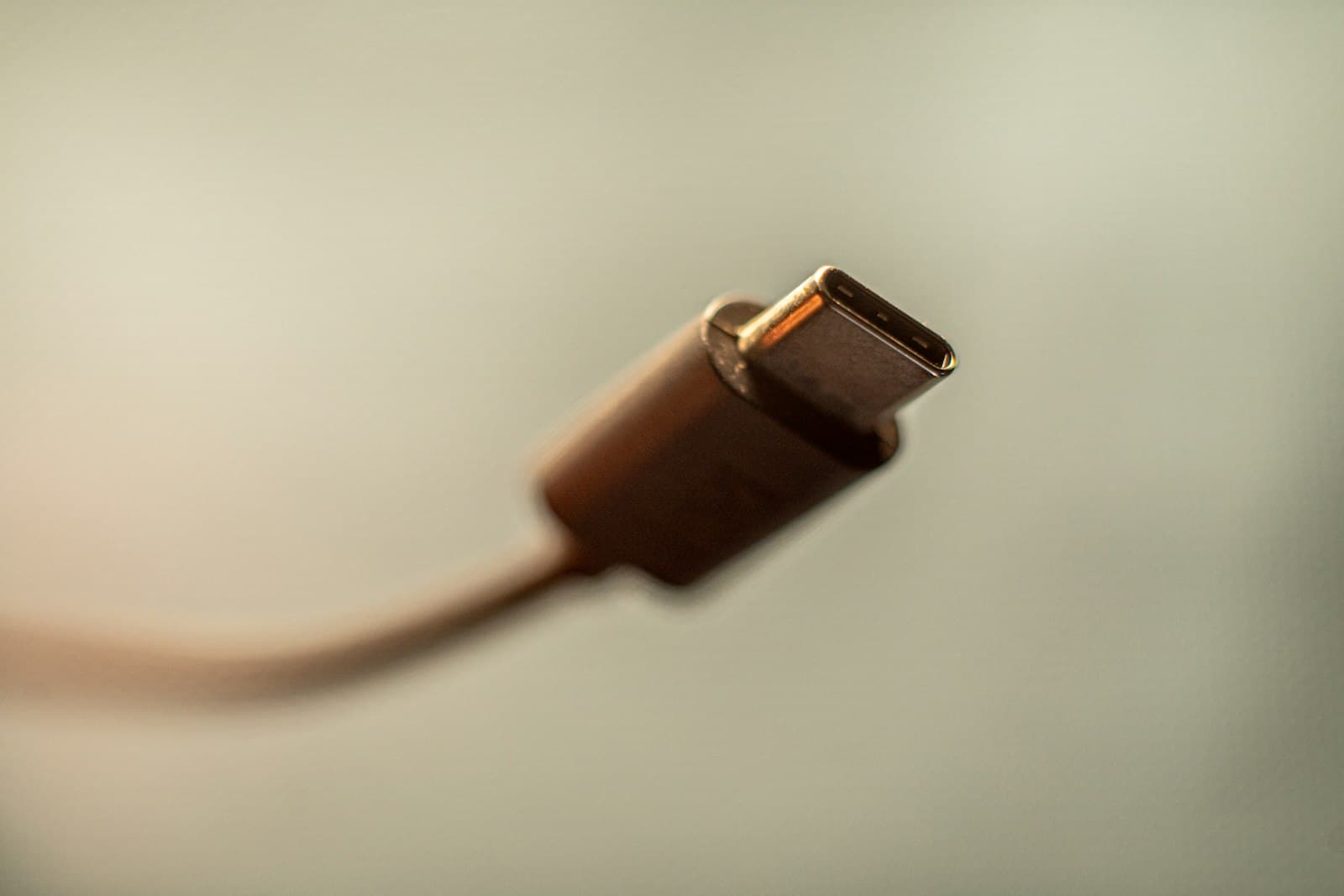
A device that won't charge or switch on is usually down to one of a small number of causes, most of which don't mean the kit is broken. Work through the checks below before assuming you need a replacement.
Start with the simplest explanations first. It's easy to assume the worst when a device suddenly goes dark, but a blocked port or an underpowered cable causes far more "dead" devices than an actual battery failure does.
Check the cable and port for debris
Pocket lint and dust build up in USB-C and micro-USB ports over time and can stop a good connection forming. Look into the port with a torch and gently clear any visible debris with a dry cocktail stick or toothpick, never anything metal or sharp. Check the cable end too; a bent or corroded connector is a common, easy-to-miss culprit.
Devices that live in a coat pocket or bag alongside keys and coins are particularly prone to a clogged port, so this is worth checking first even if it seems an unlikely cause. A short blast of compressed air, held at a slight angle rather than straight in, can also shift debris a cocktail stick can't reach.
Try a different cable and power source
Not all USB cables are equal, and a cable that charges a phone fine may not deliver enough power to a vape device. Try a second cable if you have one, and plug into a different USB port or wall adapter rather than a laptop or unpowered USB hub, which can supply less current than the device needs.
A charging light that flickers on briefly then goes out when you plug in usually points to a power or cable issue rather than a battery fault, since the device is at least detecting a connection. No response at all from any cable or port is more likely to point further down this list.
Check for the device's safety cut-off
Most modern pod kits and mods include a safety feature that shuts the device down after a period of inactivity, or if it detects a short circuit or unusually low resistance, often from a coil that isn't seated properly. Check your device's manual or manufacturer support page for how to reset it, since the method varies between brands but is usually a specific button-press sequence.
Reseat or replace the coil
A coil that's cross-threaded, damaged, or has reached the end of its life can trigger a short-circuit protection message or simply stop the device firing. Remove the pod, check the coil is seated correctly, and try a fresh coil if you have one spare before assuming the fault lies with charging at all.
This is worth checking even if the device does appear to charge normally, since some devices separate charging faults from firing faults completely: the battery fills up fine, but the coil resistance reading is what's stopping it switching on or producing vapour.
Know when to stop, not force it
Battery safety
If the battery looks swollen, the casing is warped, or the device gets unusually hot while charging, stop using it immediately and don't attempt to force a charge or open it up. A swollen or damaged lithium battery is a safety risk, not a fault to work around.
Quick reference: what the symptom usually points to
| What you see | Most likely cause |
|---|---|
| No light or response on any cable or port | Safety cut-off, or battery at end of life |
| Light flickers, then stops | Cable or power source not supplying enough current |
| Charges, but won't fire | Coil not seated, or short-circuit protection |
| Device is hot, swollen or warped | Stop use; battery safety issue |
It's also worth noting the difference between a device that gives no response at all and one that responds but produces no vapour. The latter usually points to the coil or airflow rather than charging, so if button presses or draws produce a click or light but nothing else, start with the coil check above rather than continuing to swap cables.
Charging safely, day to day
- Use the cable supplied with the device, or a cable and adapter you know matches its charging spec.
- Avoid leaving a device charging unattended overnight as a matter of routine, particularly on soft furnishings.
- Keep the device somewhere it can't overheat while charging, out of direct sunlight and away from bedding.
- Unplug it once it's fully charged rather than leaving it connected for long periods after the light indicates it's done.
If you're running a specific snap-pod device like the Al Fakher HyperMax Prime 50K, its particular charging habits, contact cleaning and pod replacement signs are covered in more detail in our device-specific guide.
When it's the end of the road
If you've worked through every check above and the device still won't hold a charge or switch on, particularly an older device that's been through many charge cycles, this can simply mean the battery has reached the end of its usable life. This is normal wear rather than a fault, and at that point replacing the device is usually more sensible than continuing to try to revive it. Staying on top of routine cleaning and maintenance helps delay this point, but it doesn't prevent it indefinitely.
If your device is still within its manufacturer warranty period, it's worth checking the manufacturer's own support channels before replacing it outright, particularly for a fault that appeared suddenly rather than through gradual wear. Keep hold of any proof of purchase in case you need it.